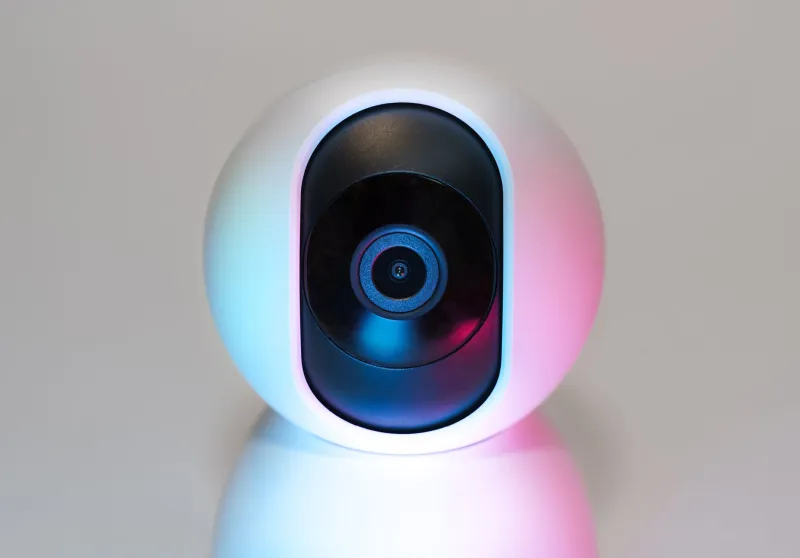
That Little Green Light Next to Your Camera Isn't Keeping You Safe
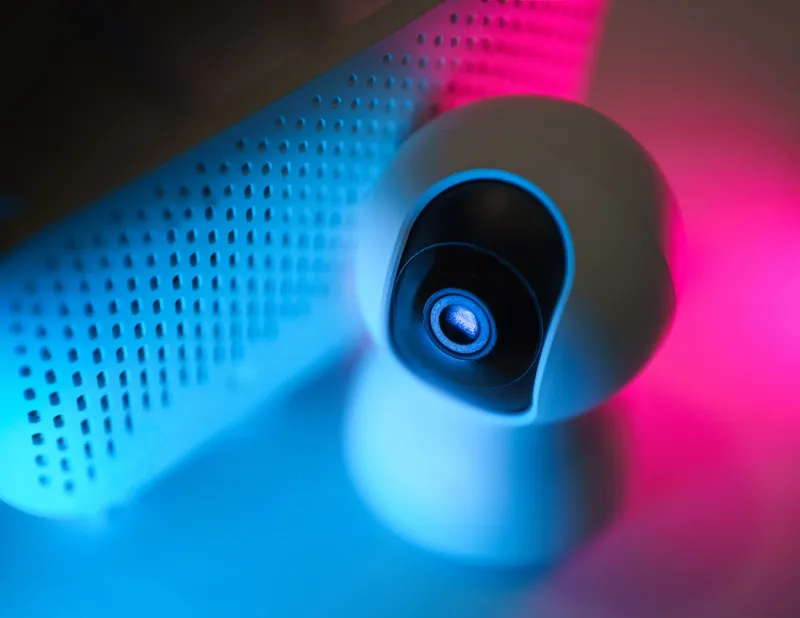
There's a quiet kind of trust most of us have developed with our laptops. You close a video call, the green light blinks off, and you go back to eating cereal in your underwear without a second thought. Totally reasonable. Except that little light? It's not the failsafe you think it is. Not even close.
This isn't a scare piece designed to send you spiraling. It's a real conversation about a real gap between what people think is protecting their privacy and what's actually happening under the hood — because once you understand how this works, the fix is almost embarrassingly simple.
How the Indicator Light Is Supposed to Work
On most laptops and external webcams, the LED indicator is hardwired to activate whenever the camera's image sensor powers on. The idea is that this hardware-level connection makes it impossible to secretly activate the camera without triggering the light. For a long time, manufacturers and security folks pointed to this as a meaningful safeguard.
And for basic, run-of-the-mill scenarios, it mostly holds up. If you're worried about an app casually peeking at you in the background, operating system-level permissions combined with that indicator light do provide a reasonable layer of protection on modern devices.
But "mostly holds up" and "actually protects you" are two very different things when we're talking about determined attackers.
The Part the Marketing Doesn't Mention
Back in 2013, researchers at Johns Hopkins University published a paper that should have made national headlines but kind of got buried. They demonstrated that on certain MacBook models, it was possible to reprogram the firmware of the webcam's microcontroller — the tiny chip that manages the camera itself — in a way that allowed the camera to capture images without ever triggering the indicator LED.
Let that sink in. The chip responsible for both the camera and the light was reprogrammable. And once malware gets into firmware, it's operating at a level that most antivirus software doesn't even look at.
Apple has since redesigned the hardware connection on newer MacBooks so the LED is directly tied to the camera's power circuit in a way that's much harder to bypass. But "much harder" still isn't "impossible," and the broader ecosystem of laptops, webcams, and smart devices is enormous and inconsistent. Not every manufacturer has made those same hardware changes. Many budget laptops, older machines, and third-party USB webcams still rely on software-level controls that are, in theory, manipulable.
Firmware-Level Attacks Are a Different Beast
Most people think of malware as something that shows up in your downloads folder or gets caught by Windows Defender. But firmware attacks are fundamentally different. They live below the operating system — in the code that runs before your computer even boots. Once malware embeds itself at that level, it's largely invisible to traditional security tools and can survive factory resets.
Cybersecurity professionals call this category of threat a "rootkit" or "firmware implant," and while they're not exactly common on everyday consumer machines, they're not theoretical either. Intelligence agencies have used them. Criminal organizations with enough resources have deployed them. And the toolkits to build them have, at various points, leaked onto the open internet.
The average person isn't being targeted by nation-state hackers. But the average person also doesn't need to be — because once exploit code exists and gets packaged into accessible malware kits, it eventually trickles down to less sophisticated attackers.
So What Actually Protects You?
Here's where things get refreshingly low-tech.
Physical camera covers work. Full stop. It doesn't matter how sophisticated the malware is, how deep into your firmware it's sitting, or what tricks it's using to suppress the indicator light. If there's an opaque piece of material over the lens, the camera captures nothing but darkness. No software vulnerability on earth defeats physics.
Mark Zuckerberg famously had tape over his laptop camera in a photo that went viral years ago. James Comey, when he was FBI director, mentioned doing the same thing. These aren't paranoid people — they're people who understand that certain risks are best addressed with the simplest possible countermeasure.
You don't need to use actual tape, by the way. Sliding webcam covers are widely available for a few dollars on Amazon and clip directly onto your laptop's bezel. They look cleaner, they don't leave residue, and they're easy to slide open when you actually need the camera.
Keep your firmware updated. This one's boring but it matters. Manufacturers do push firmware patches that address known vulnerabilities, including camera-related ones. Digging into your laptop manufacturer's support page and making sure you're running current firmware isn't glamorous, but it closes real doors.
Audit your camera permissions aggressively. On Windows, go to Settings > Privacy & Security > Camera and review exactly which apps have access. On a Mac, it's System Settings > Privacy & Security > Camera. Revoke access for anything that doesn't genuinely need it. That random game you downloaded six months ago does not need your webcam.
Be skeptical of software you install. The most common delivery mechanism for the kind of malware that messes with webcams is still, by a wide margin, software you willingly installed. Cracked software, sketchy browser extensions, "free" utilities from random download sites — these are the vectors. Keeping your software ecosystem clean dramatically reduces your exposure.
The Microphone Problem Is Actually Worse
While we're here — your microphone has no indicator light at all on most devices. There's no visual cue, no hardware LED, nothing. Audio-based surveillance malware is, in some ways, an even more accessible attack because the feedback loop that might tip you off (a camera light turning on unexpectedly) simply doesn't exist.
Physical mic blockers exist — small plugs that fit into your headphone jack and interrupt the audio circuit — but they don't work on laptops with integrated microphones. Software-level muting through your OS settings helps, but faces the same firmware-level vulnerabilities we already discussed. This is an area where the security community genuinely doesn't have a clean answer yet.
The Honest Takeaway
The green light next to your webcam is a useful signal, not a guarantee. For most people in most situations, it's probably fine. But "probably fine" is doing a lot of work in that sentence, and the cost of a sliding camera cover is about three dollars.
The broader point here is one that comes up constantly in digital security: the things that feel like protection and the things that actually provide protection are often different. Blinking lights, lock icons, and permission toggles create a sense of control that isn't always backed up by the underlying reality.
Tape is dumb. Tape is also correct. Sometimes the most sophisticated answer is the one that doesn't require a software update.