Alexa, Are You Snitching on Me? A Real Talk About Smart Home Privacy
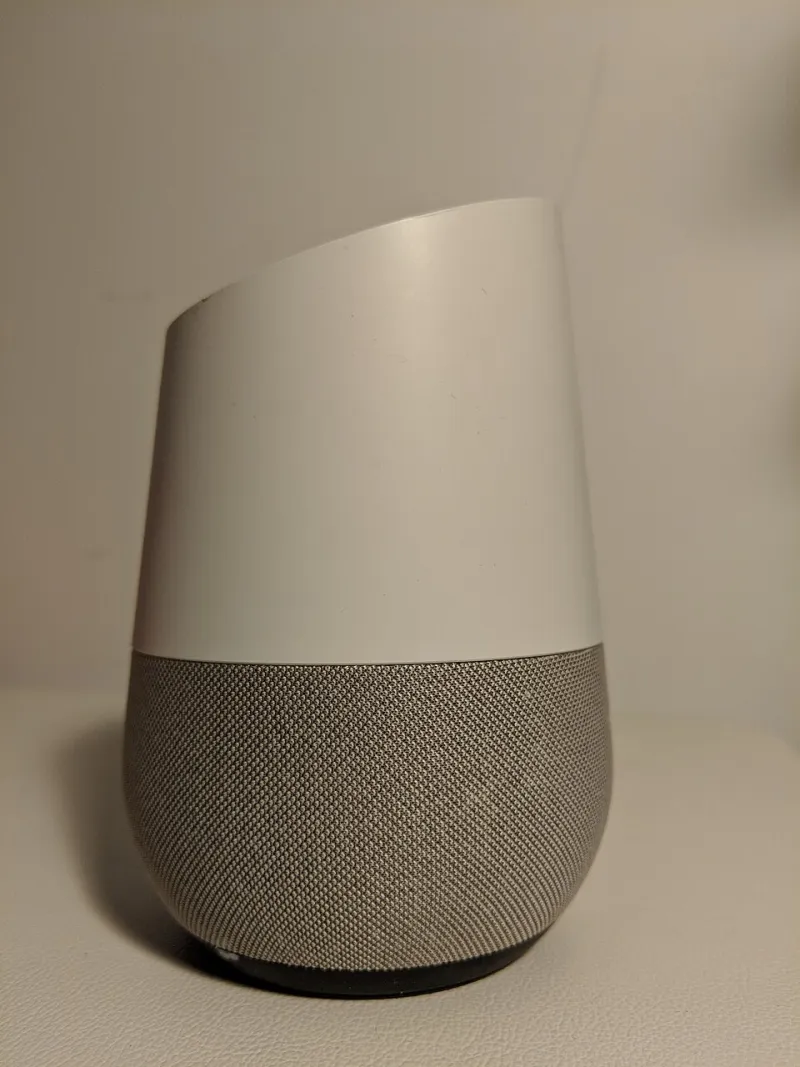
Photo: Recover-reputation-online-management, CC BY-SA 4.0, via Wikimedia Commons
Somewhere in your living room right now, there's a small cylindrical device waiting for you to say the magic word. Maybe it's an Echo Dot, a Google Nest Mini, or an Apple HomePod. You use it to set timers, ask about the weather, and occasionally yell at it when it mishears you. But here's the thing — these gadgets are listening way more than most people realize, and the details of what they do with that listening are buried in privacy policies that nobody actually reads.
We spent time digging into the privacy practices of the three biggest smart home ecosystems — Amazon Alexa, Google Home, and Apple HomeKit with Siri — to give you a straight answer on who deserves a spot in your home and who deserves a little more skepticism.
How "Always Listening" Actually Works
First, a quick explainer, because the marketing around this stuff is intentionally fuzzy. Every major smart speaker uses a local "wake word" detection system. The device is technically always listening for that trigger phrase — "Alexa," "Hey Google," "Hey Siri" — but ideally, it only ships audio to remote servers after it hears the wake word.
The keyword there is ideally. Independent researchers and even internal audits from Amazon and Google have confirmed that accidental activations happen regularly. A TV commercial, a similar-sounding word, a podcast playing in the background — these can all trigger a recording session without you knowing. Amazon has admitted that human contractors review a small percentage of voice recordings to improve Alexa's accuracy. Google has done the same. Apple, for its part, has been more restrictive about this practice and moved to on-device processing for many Siri functions.
So yes — your smart home is listening. The question is what happens next.
The Transparency Scorecard
Here's how the three major players stack up across the areas that actually matter:
Amazon Alexa
Data collected: Voice recordings, device usage patterns, shopping behavior, smart home device interactions, location data.
Storage: By default, Amazon stores your voice recordings indefinitely. You can delete them manually or set auto-delete to 3 or 18 months — but you have to actually go do that.
User control: Alexa's privacy dashboard in the app gives you access to your recordings and lets you opt out of human review. However, opting out of all data sharing is not really an option if you want Alexa to function well.
Verdict: Functional and feature-rich, but data-hungry by design. Amazon's business model is built on knowing what you want before you do, and Alexa is a key data collection tool. Transparency exists — it's just buried.
Score: 6/10
Google Home / Nest
Data collected: Voice recordings, search queries, home routines, device activity, and — because it's Google — this data can be linked to your broader Google profile including Gmail, Maps, and YouTube history.
Storage: Similar to Amazon, recordings are stored unless you set auto-delete. Google's My Activity dashboard lets you review and purge recordings, and you can set data to auto-delete after 3 or 18 months.
User control: Google has improved its privacy controls significantly after a 2019 scandal where leaked audio recordings made headlines. You can turn off audio storage entirely, though this limits some personalization features.
Verdict: The cross-platform data linking is what makes Google a trickier proposition. If you're already all-in on Google's ecosystem, the privacy trade-off is already baked in. If you're not, you're handing a lot of behavioral data to a company whose entire revenue model is advertising.
Score: 5.5/10
Apple HomeKit / Siri
Data collected: Voice requests (anonymized and tied to a random identifier, not your Apple ID), device usage, home automation routines.
Storage: Apple processes many Siri requests on-device rather than sending audio to servers. When data does go to Apple's servers, it's linked to a random ID rather than your account.
User control: Apple gives users the most granular controls, with clear opt-outs and a relatively plain-language privacy policy. HomeKit data is encrypted end-to-end.
Verdict: Apple's privacy stance isn't just marketing — it's structurally different. They make money selling hardware, not ads, which means they don't have the same financial incentive to monetize your data. That said, the Apple ecosystem is expensive and less flexible than Amazon or Google.
Score: 8.5/10
What About Smart TVs, Doorbells, and Cameras?
Voice assistants get the most press, but they're not the only privacy landmine in your home. Smart TVs from brands like Samsung and LG use Automatic Content Recognition (ACR) technology to track everything you watch — including cable, streaming, and even physical media — and sell that data to advertisers. Most TVs have this enabled by default. Dig into your TV's settings and disable ACR if you care about this.
Smart doorbells, especially Ring (owned by Amazon), have faced serious scrutiny over their history of sharing footage with law enforcement without warrants. Ring has since updated its policies, but the relationship between Amazon and police departments remains a legitimate concern.
For smart cameras generally, look for end-to-end encryption and avoid brands that store footage exclusively on remote servers you don't control.
Five Things You Can Do Right Now
You don't have to unplug everything and move into a cabin. Here are some practical steps that make a real difference:
-
Set up auto-delete on your voice recordings. Go into the Alexa or Google Home app today and set recordings to delete after three months. It takes about two minutes.
-
Mute your smart speakers when you're not using them. Every major device has a physical mute button. Use it during sensitive conversations, meetings, or when you're watching TV and don't want accidental activations.
-
Review your smart TV settings. Search for "ACR" or "Viewing Data" in your TV's privacy settings and turn it off. Also check for any ad personalization settings while you're in there.
-
Put smart home devices on a separate Wi-Fi network. Most modern routers let you create a guest network. Keeping your smart speakers and cameras isolated from your computers and phones limits the damage if any device gets compromised.
-
Check what third-party skills or apps have access to your account. Both Alexa and Google Home let third-party developers build integrations. Audit these regularly and revoke access to anything you don't actively use.
The Bottom Line
Smart home tech is genuinely useful — we're not here to tell you to throw your Echo in the trash. But these devices come with real privacy trade-offs, and the companies selling them aren't exactly rushing to make those trade-offs obvious. Apple is the clear leader on privacy in this space, though its walled garden comes with a price premium. Amazon and Google offer more flexibility and broader compatibility, but you're paying for that with your data.
The good news? A few simple settings changes can dramatically reduce your exposure without turning your home back into a dumb one. And that's a trade worth making.